CinePlus for PC: If you’ve been looking for an easy way to watch your favourite movies and TV shows in good quality on a bigger screen, then CinePlus APK is worth checking out. The only problem is that it is an Android app, so you can’t just download it directly onto a Windows or Mac computer like you would a normal program. With NoxPlayer, this becomes very easy. Nox Player is an Android emulator software that enables you to play your apps like CinePlus on your Windows PC or Mac without much ado.

In this tutorial, I’ll demonstrate how to download and install CinePlus APK using NoxPlayer for Windows 11/10/8.1/7 or Mac. It’s not hard at all, actually. Let’s go!.
An Overview of CinePlus
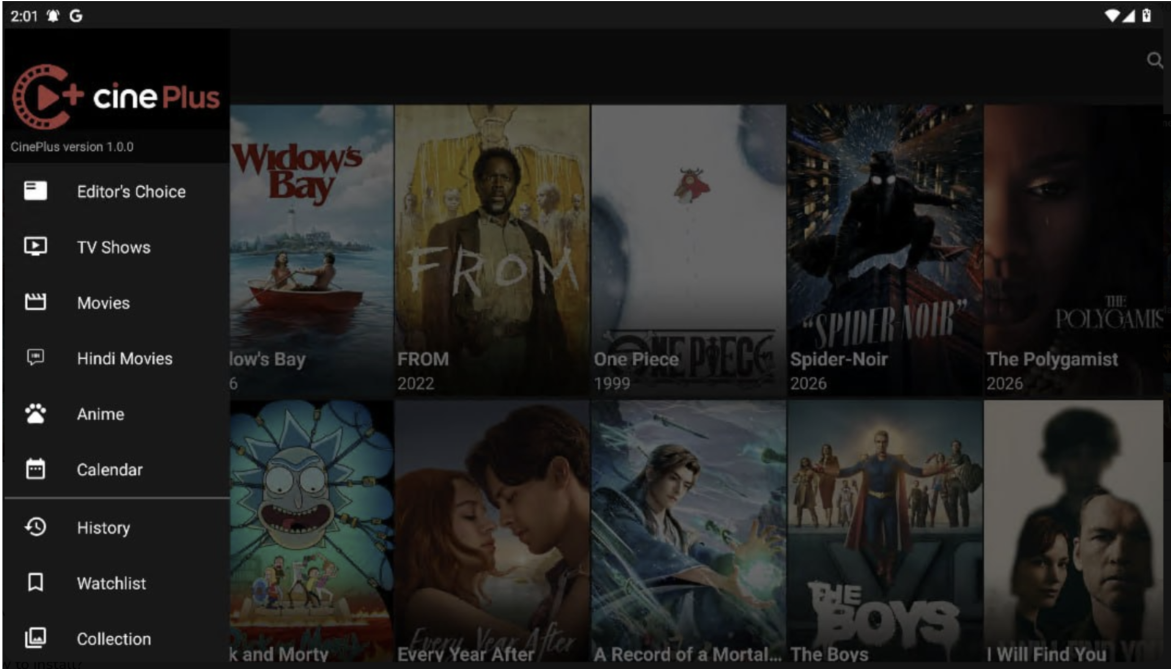
It is a film-streaming application that is based on the Android operating system. CinePlus provides an entire platform that houses films, TV programs, web series, documentaries, and basically any other type of entertainment that you might desire. It has a well-designed, user-friendly interface; hence, you will not struggle to look for what you intend to watch.
If there’s a specific movie or show that you want to see, you can go through genres, trends, release dates, or any other way that suits you. The thing that really highlights, apart from CinePlus, is how small the app is for such a powerful feature set. Do check out: Download Cinema HD v4.0.0 BETA for PC (Windows & Mac) – LATEST.
System Requirements
For Windows
- Windows 7, 8.1, 10, or 11
- Intel or AMD processor
- At least 4 GB RAM
- 2 GB free storage
- Stable internet connection
For Mac
- macOS 10.13 or later
- Intel-based processor or supported Apple Silicon configuration
- Minimum 4 GB RAM
- Sufficient free storage space
Download CinePlus for PC (Windows & Mac) – NoxPlayer
- Here comes the first step: download the latest version of NoxPlayer based on your OS from their official website, or you can utilize the link provided below. The installation can be done by following the on-screen instructions.
- Get the latest version of the CinePlus APK from its website or from any other reliable site. Keep the APK file in a convenient folder.
- Run NoxPlayer after downloading it. Let the Android Home screen open fully.
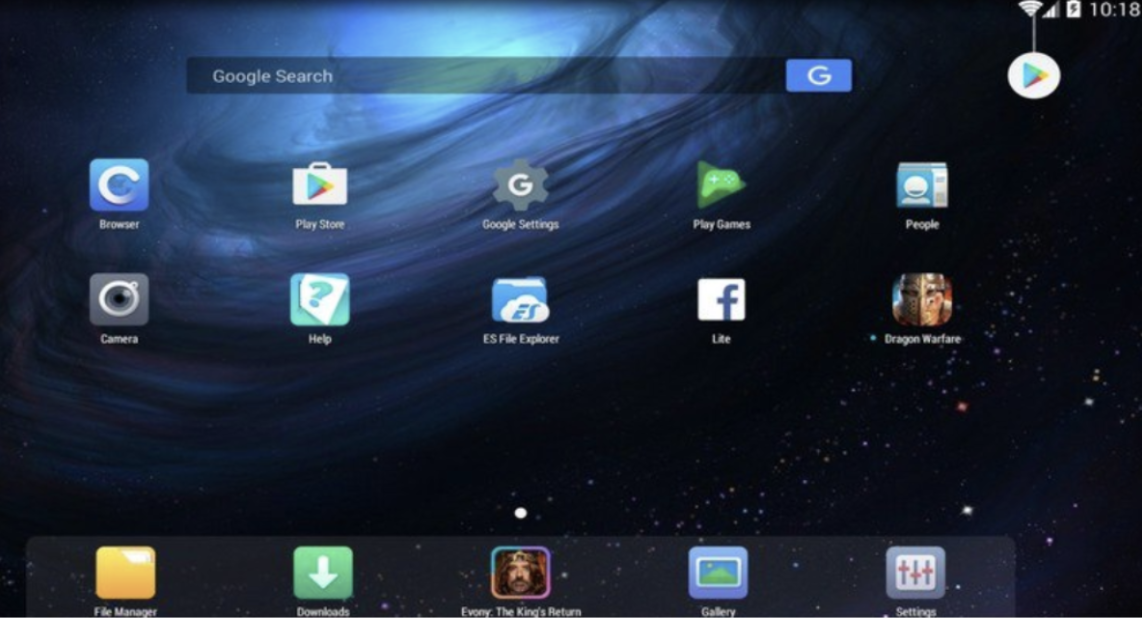
- Here are the two easy ways:
- Just drag and drop the CinePlus APK file onto the NoxPlayer application screen.
- Locate the icon of the APK in the toolbar of NoxPlayer and click on it. Then find the CinePlus APK file that is saved on your computer and click on it; the installation will be automatically initiated.
- Alright! You have reached the final stage. After you have completed the installation process, you can find the CinePlus icon on the NoxPlayer home screen. Just by clicking on the icon, you are ready to launch the CinePlus app.
Frequently Asked Questions
Q - Can CinePlus be installed on Windows or Mac?
No. Because CinePlus is made for Android users. To install and run it on Windows or Mac, you need an Android emulator such as Nox Player.
Q - Is NoxPlayer Paid Software?
No, NoxPlayer is free Android emulation software allowing you to install and run Android apps such as CinePlus on your computer.
Q - Do I need Google Play to install CinePlus using NoxPlayer?
No. You can install CinePlus using NoxPlayer provided you have the APK file, or else you can make utilize the link provided in this article.
Q - Is it necessary to have a strong PC in order to install CinePlus with NoxPlayer?
No, since NoxPlayer is not that heavy and runs smoothly on most of the PCs.
Q - Is there any risk in installing CinePlus APK via NoxPlayer on my PC?
There won’t be any risk as far as you are downloading the APK from a reliable website.
Don’t miss –
MobiFlix App FREE Download on PC
Download Nuvio APK for PC (Windows & Mac)
Wrapping Up
To summarize, do you want to view CinePlus on a larger screen? Setting up CinePlus on your PC with the help of NoxPlayer can be very easy and takes no more than just a couple of minutes, no matter whether you have Windows 7, 8.1, 10, 11, or even a Mac. Just once it is installed, everything will be working perfectly. Enjoy your streaming!
Still, if you encounter any issues with the installation process, please feel free to ask us via the comments section. We’re here to assist you at any time!
1 thought on “Download CinePlus on PC (Windows 11/10/8.1 & Mac) – APK”